
Machines and sites management
Machines
A machine is defined as any engine equipped with LIM devices. Each device you acquire is automatically linked to your company workspace, ensuring seamless integration and management within your existing systems.
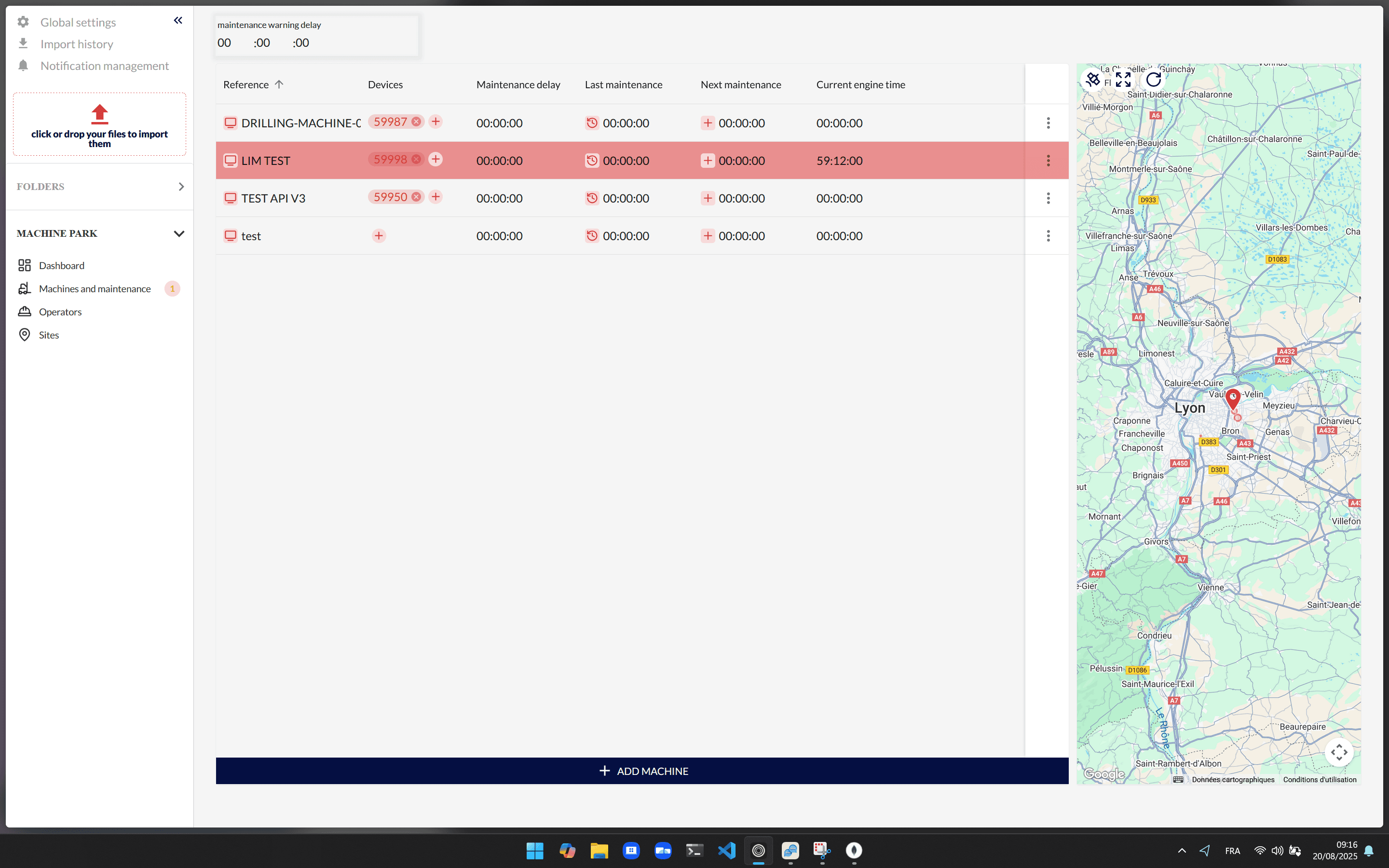
To create a machine, you need to click the Add machine button and complete the form with the necessary details. This process ensures that all relevant information is captured accurately for future reference and management. If you need to edit a machine, simply double-click on the cell you wish to modify, except for those with an action icon, which are reserved for specific functions.
You have the flexibility to link one or more devices to a machine using the + action button located in the Devices column. This capability allows for greater versatility and redundancy, particularly useful when a device is undergoing maintenance.
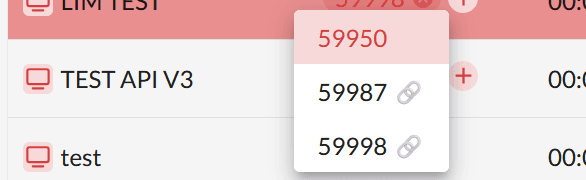
By linking multiple devices, any device physically connected to the machine will continue to send data correctly, regardless of which linked device transmits it. This ensures continuous data flow and minimizes disruptions in operations.
Maintenances
Proper maintenance management is crucial for the optimal performance and longevity of your machines. To effectively manage maintenance, you must first set the warning delay in the format hours:minutes:seconds. This warning delay acts as an early alert system, notifying you when maintenance is approaching, allowing you to plan and execute necessary actions without disrupting operations.
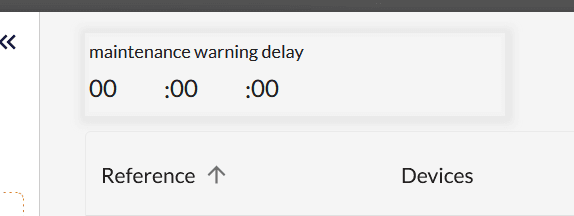
During the creation of your machine or when editing it, you must set your machine's maintenance delay. This delay is a critical parameter that determines when maintenance is due. Once set, you will begin to notice that some machines have their rows colored either in orange or red.
 These colors serve as visual indicators of the maintenance status:
- Red: This color indicates that the maintenance delay has been exceeded. When the engine hours collected from your machine surpass the value you've set, the machine will appear in red, signaling immediate attention is required.
- Orange: This color signifies that you are approaching the maintenance delay. Based on your warning delay, machines will start appearing in orange when the engine hours of your machine approach the maintenance delay minus the warning delay.
Additionally, these colors will also appear in the sidebar on the Machines and maintenances page link. This feature provides a quick overview of the number of machines in each state, allowing for efficient monitoring and management.
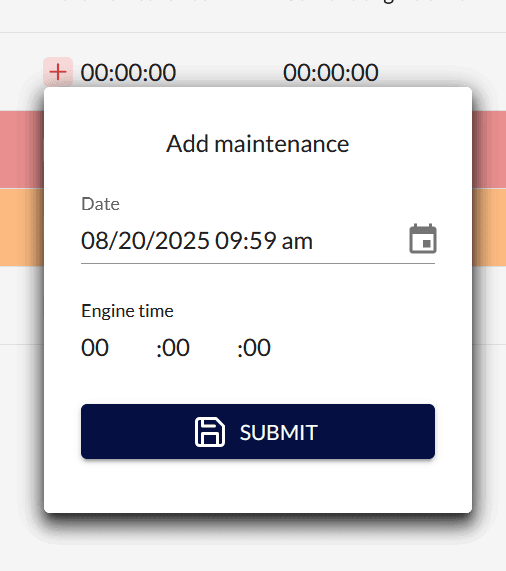
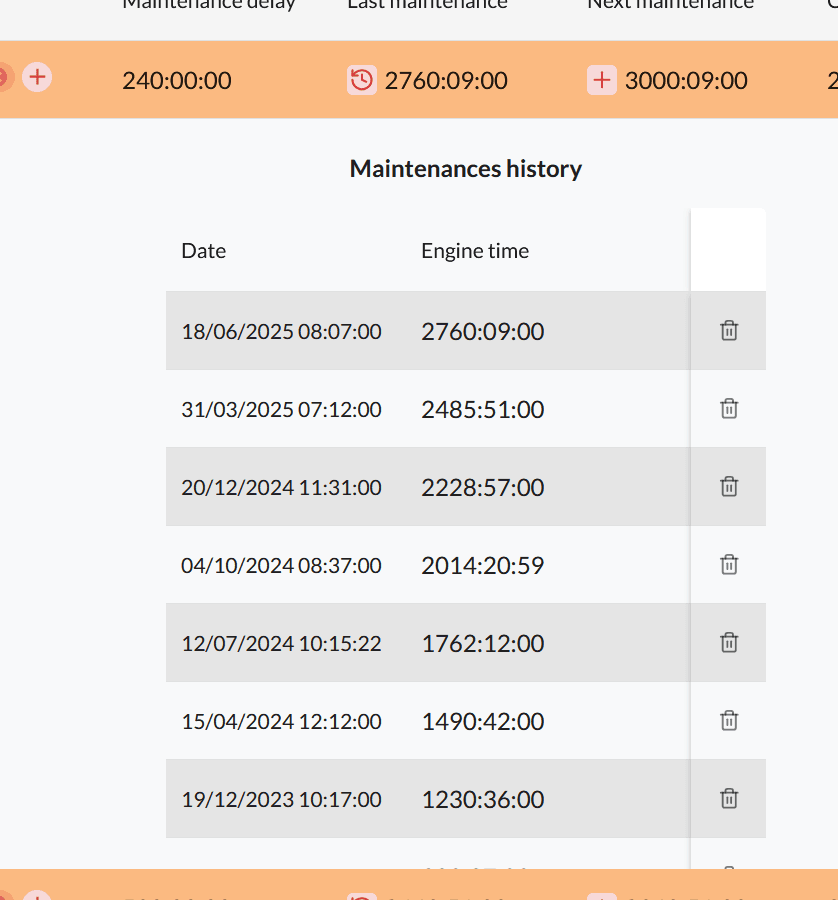
To add a maintenance entry, click the + action button in the Next maintenance column. A popup will appear, prefilled with the current time and the last known engine time of your machine. These data points are editable, allowing you to adjust them as necessary to reflect the most accurate information.
To view the history of your maintenance activities, click the action button located in the Last maintenance column. This feature provides a comprehensive record of all maintenance actions, facilitating better tracking and analysis of machine performance over time.
Operators
Operators are the agents responsible for operating the machines. Every event sent from a machine is linked to an operator, ensuring that any occurrence can be traced back to its source. This traceability is essential for accountability and effective management. To access the operators management popup, click on Operators in the sidebar.
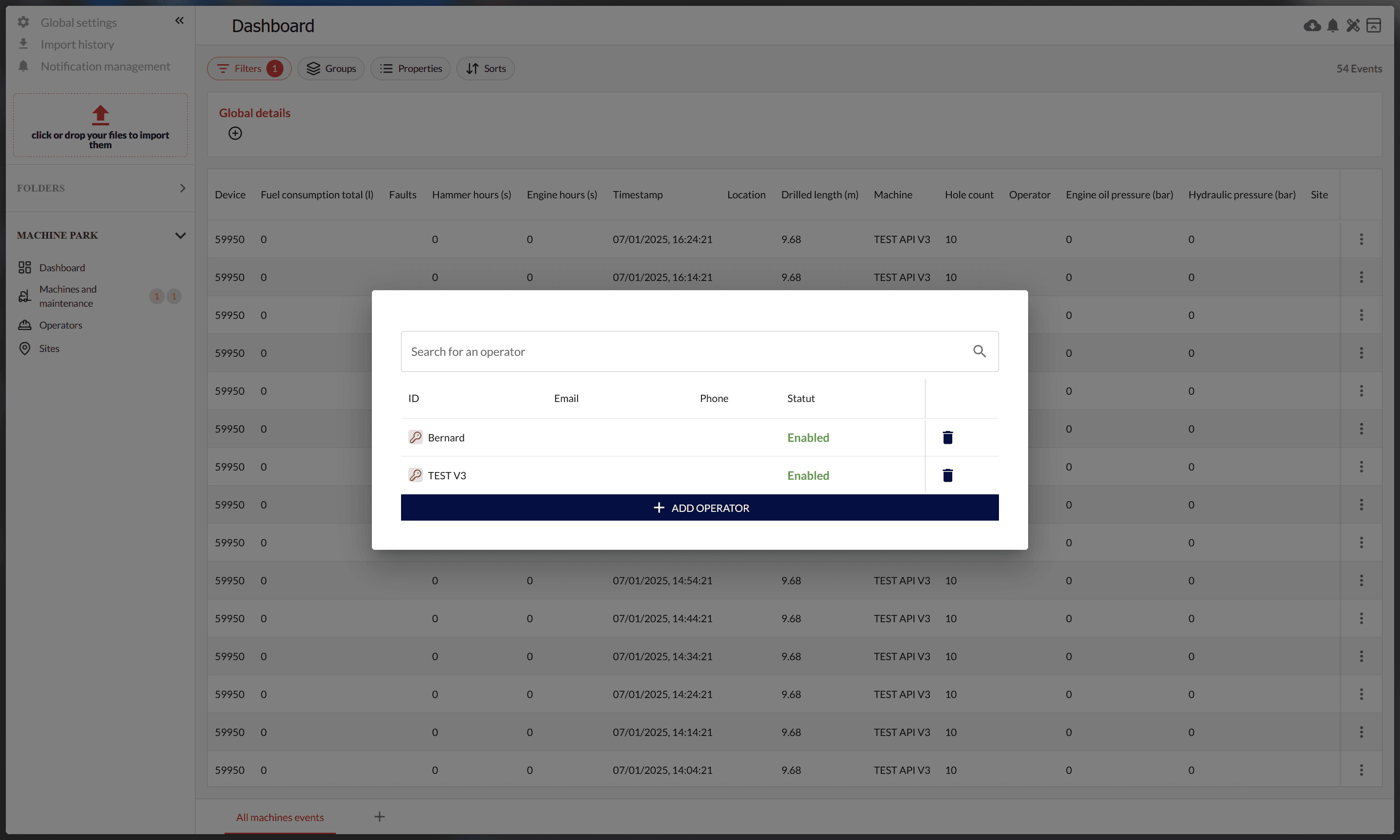
For an operator to use a machine, they must have a password and be enabled in the system. This security measure ensures that only authorized personnel can operate the machines, thereby safeguarding against unauthorized use. Each time you edit the list or an operator, the changes are reflected on all your LIM devices after restarting them. It is important to note that a GSM connection is required for this update process.
Sites
A site refers to a construction site where machines, operators, and boreholes are located. To access the site management popup, click on Sites in the sidebar.
 A site is defined by its name and its coordinates, which include latitude, longitude, and radius. If any business module is activated, you will have the ability to move your site under a project, making it visible as a folder in the sidebar. This organizational feature enhances project management by providing a clear and structured view of all sites associated with a project.
Similar to operators, any changes made to the list of sites are reflected on your LIM devices after restarting them. This ensures that all devices are up-to-date with the latest site information, facilitating smooth operations and coordination across all locations.